Filter alert button is lit red on rangehood

Display

The filter alert button on your Fisher & Paykel rangehood is glowing red. Follow these steps to identify the cause of the issue and how to fix it.

Possible Cause
  • The filters need cleaning.

How to Fix
  1. Turn off the rangehood.
  2. Remove the filters and clean them in warm, soapy water or in the dishwasher (if suitable for your model).
  3. Allow the filters to dry completely, then refit them securely.
  4. Reset the filter reminder: press and hold the filter alert button until the light turns off.

Helpful Tips
  • Clean the filters regularly to maintain airflow and extraction performance.
  • If the light returns quickly, check the filters are fitted correctly and free of heavy grease buildup.
  • Have your model details ready if you contact Customer Care to speed up support.
Appliance Service & Support

Book Service

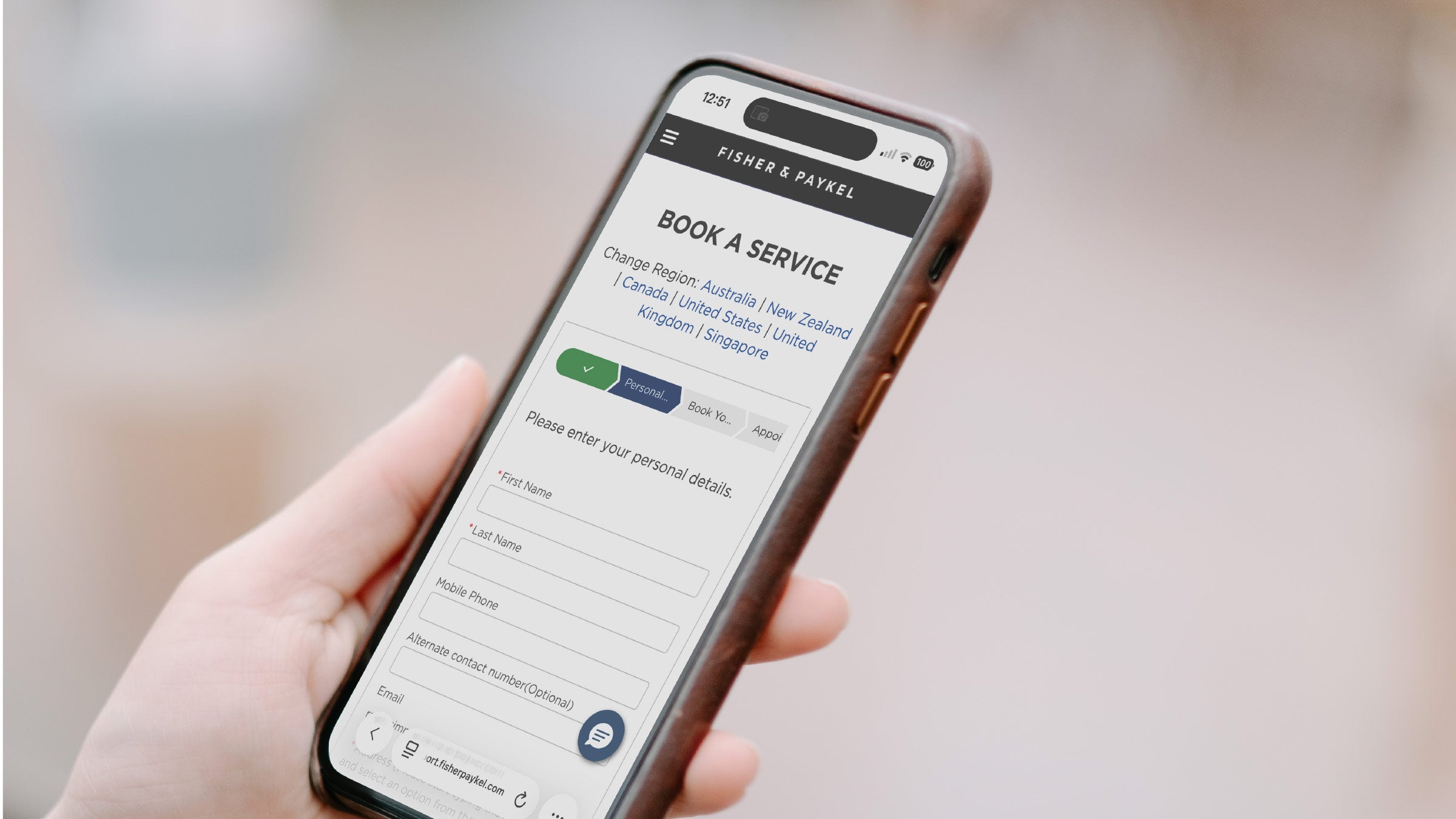
Book Your Service

Book a service online in three easy steps. Supporting our users for life, our dedicated Fisher & Paykel Technicians and authorised service partners use genuine parts covered by a 12-month parts and labour warranty.
Smartphone application

SmartHQ™ & Connected Appliances

Set up and manage your connected appliance with SmartHQ™. Get help with appliance pairing, Wi-Fi connectivity, app features, software updates and troubleshooting.