Possible Causes
- Controls were locked while the zones were bridged
- The indicator lights stay on to show which zones are active, even when locked
How to Fix
- Unlock the controls by touching and holding the lock symbol until the indicator turns off.
- Deactivate the bridging by touching both zone selectors at the same time until the zones unbridge.
Helpful Tips
- Bridged zones stay lit when locked but will not heat until unlocked.
- Always unlock the controls before adjusting any cooking zones.
- If the controls remain locked, refer to your product user guide for model-specific unlocking instructions.
- Relock the controls after making changes if you want to prevent accidental adjustments.
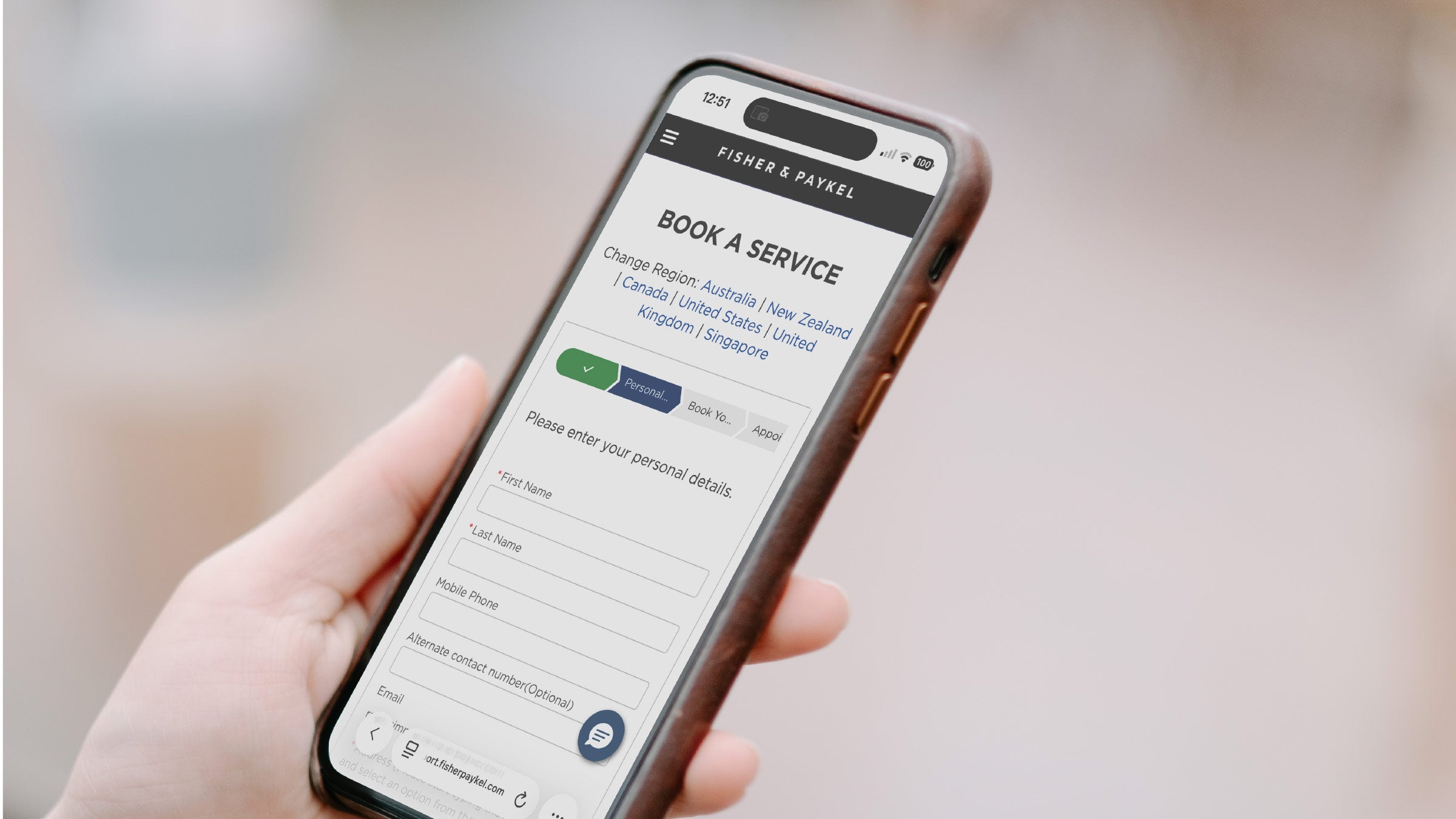
- Have your model details ready if the controls do not unlock and you need to book a service.