Possible Causes
- Hand dishwashing liquid or soap used instead of automatic dishwasher detergent
- Rinse aid has been spilt inside the dishwasher
- Dishes have residue from foods with a tendency to create foam (for example, lentils, beans, spinach and egg)
How to Fix
- Pause the cycle and wait for the beeping to end and water to stop pumping.
- Open the drawer carefully and remove the excess foam.
- Use a dry cloth to wipe up the foam from the door seal and from inside the dishwasher.
- Remove the dishes and add 2 cups (500ml) of cold water to the base of the dishwasher tub.
- Close the drawer and run a RINSE cycle. Repeat if required.
Helpful Tips
- Only use quality liquid dishwasher detergent or tablets.
- Clean any rinse aid spills immediately.
- Pre-rinse dishes before loading if they have lentils, beans, spinach and egg on them.
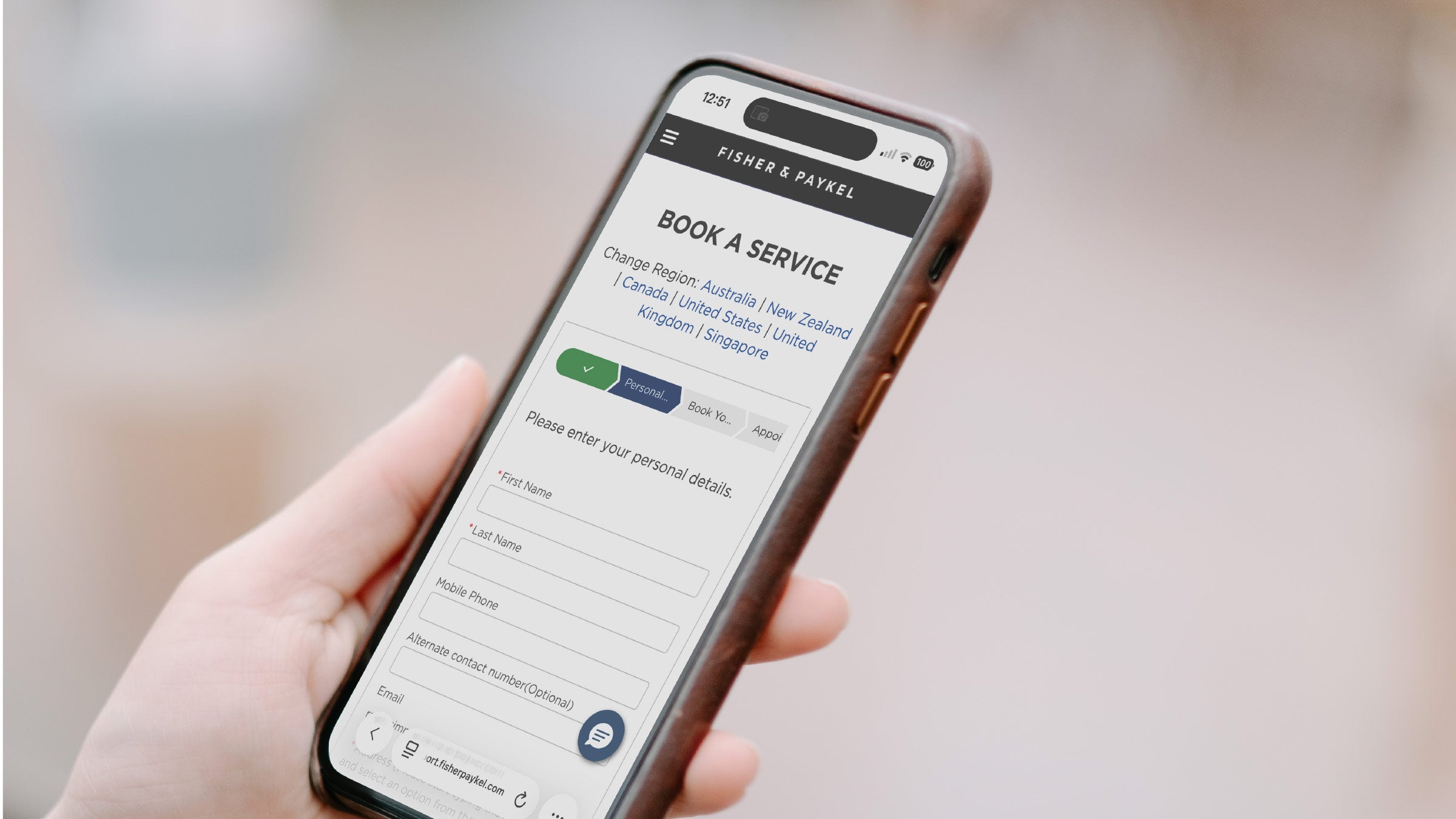
- If these steps do not fix the foaming issue, book a service repair.